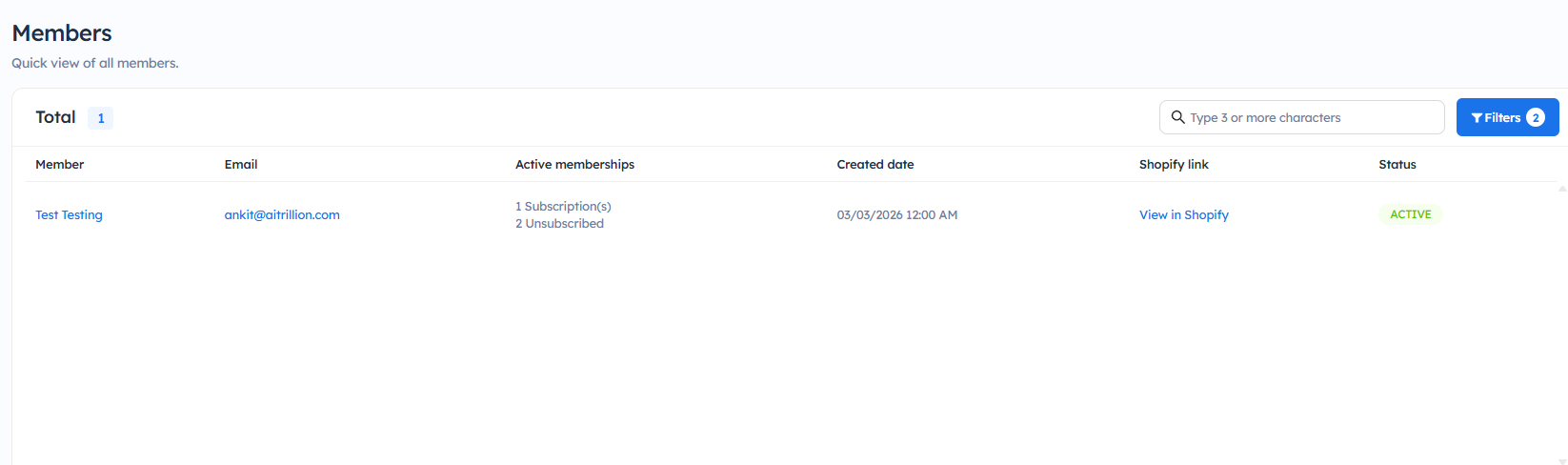
Filter Membership Members
Introduction
In this comprehensive article, we'll explore the step-by-step process of filtering members in your membership app. We'll provide insights and practical tips to help you effectively manage your membership roster.
Here are the steps to filter members in the membership:
Step 1: Go to Membership v2 >> Members
Step 2: Click on Filters, and you will find the following options:
Filter by status: You can filter active members and inactive members.
Filter by created date: You can filter dates based on past days.
Step 3: Click on Apply.
Now, you will get the member's details based on the filter.